As a contractor, your most valuable asset isn’t your tools—it’s your time. Every hour spent wrestling with spreadsheets, chasing down payments, or manually creating invoices is an hour you’re not spending on billable work. This administrative grind doesn’t just hurt your bottom line; it eats away at your peace of mind. The right software transforms invoicing from a chore into a seamless, automated process, giving you back your time and helping you get paid faster. Finding the best invoicing software for contractors means streamlining your finances so you can focus on what you do best.
This guide provides actionable insights to help you choose the right tool. Forget spending hours searching for project files or wondering if a client received your bill. We’ll show you how modern software, especially with AI-powered organization, solves the headache of manual document management. We’ve analyzed the top platforms to find the perfect fit for your specific needs, whether you’re a freelancer, a small construction firm, or a service-based professional.
You’ll find detailed breakdowns of 12 leading options, complete with:
- Key Features: Time tracking, estimate creation, and mobile access.
- Pros and Cons: An honest look at what works and what doesn’t.
- Pricing: Clear, easy-to-understand tier information.
- “Best For” Use Cases: Pinpointing the ideal user for each platform.
Each review includes screenshots and direct links, so you can see the software in action and explore it yourself. Let’s find the tool that will bring productivity and peace of mind back to your business.
1. Intuit QuickBooks Online
Intuit QuickBooks Online is a full-scale accounting platform that excels as one of the best invoicing software for contractors who need an all-in-one solution. It’s ideal for managing finances from the initial bid to the final payment, providing peace of mind by keeping everything in one place. Its strength lies in connecting your invoicing directly to job costing, bookkeeping, and payroll.
This integration delivers a huge productivity boost. Imagine creating an estimate, sending it to a client, and converting it into an invoice with one click once the work is approved. For larger projects, the progress invoicing feature is a standout, allowing you to bill for work in stages. This practical feature helps you manage cash flow effectively and keeps clients in the loop, reducing back-and-forth communication and saving valuable time.
Key Features & User Experience
The interface is comprehensive, and while there’s a learning curve, its powerful reporting provides deep insights into job profitability.
- Best For: Contractors who need robust, integrated accounting and job costing.
- Pros: All-in-one workflow, strong reporting, and a huge app ecosystem.
- Cons: Can become costly, especially with the 2024-2025 price increases. Payment processing fees can be complex.
- Pricing: Plans start at $30/month, but most contractors will need the “Plus” plan or higher for project tracking.
For contractors managing various project documents alongside their finances, pairing QuickBooks with a document management system is key. You can explore more about how invoice management software integrates with other tools to streamline your entire workflow.
Website: https://quickbooks.intuit.com/
2. FreshBooks
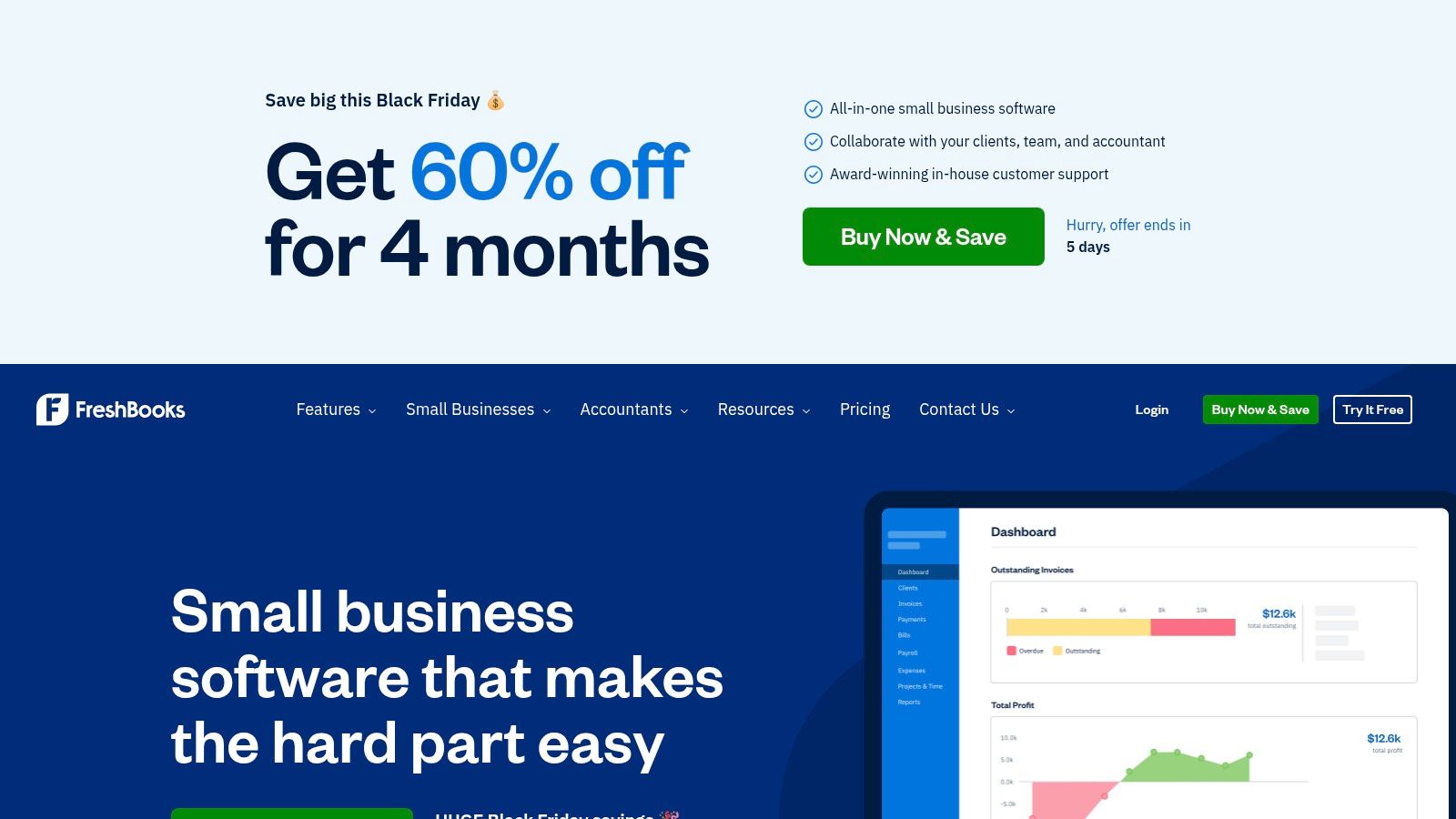
FreshBooks is designed from the ground up to be intuitive, making it one of the best invoicing software for contractors who prioritize simplicity and professionalism. It excels for solo operators and small teams who need clean invoices, estimates, and straightforward time and expense tracking without the complexity of a full accounting suite. Its primary strength is making billing and client communication feel effortless, giving you more time to focus on your work.
The platform allows you to quickly create professional-looking estimates and convert them to invoices once approved. Key features like recurring invoices for retainers and automated payment reminders are massive time-savers. For example, instead of manually chasing a late payment, the system does it for you, helping you get paid faster and maintain steady cash flow with less stress. For contractors on the go, the mobile app is a major asset for creating invoices and tracking expenses in the field.
Key Features & User Experience
The user interface is exceptionally clean and easy to navigate, dramatically reducing the learning curve. Creating and sending a branded invoice takes just a few minutes.
- Best For: Solo contractors and small teams who need simple, fast, and professional invoicing.
- Pros: Very intuitive invoice and estimate creation, helpful automations and client communications, and good mobile apps for field use.
- Cons: Client-count limits on lower tiers can be restrictive. Add-ons like advanced payments can increase the total cost.
- Pricing: Plans start at $19/month for up to 5 billable clients, with higher tiers offering more clients and features.
To solve the pain point of scattered project files, integrating FreshBooks with a dedicated document management system ensures all your contracts and permits are organized and accessible alongside your invoices.
Website: https://www.freshbooks.com/
3. Square Invoices
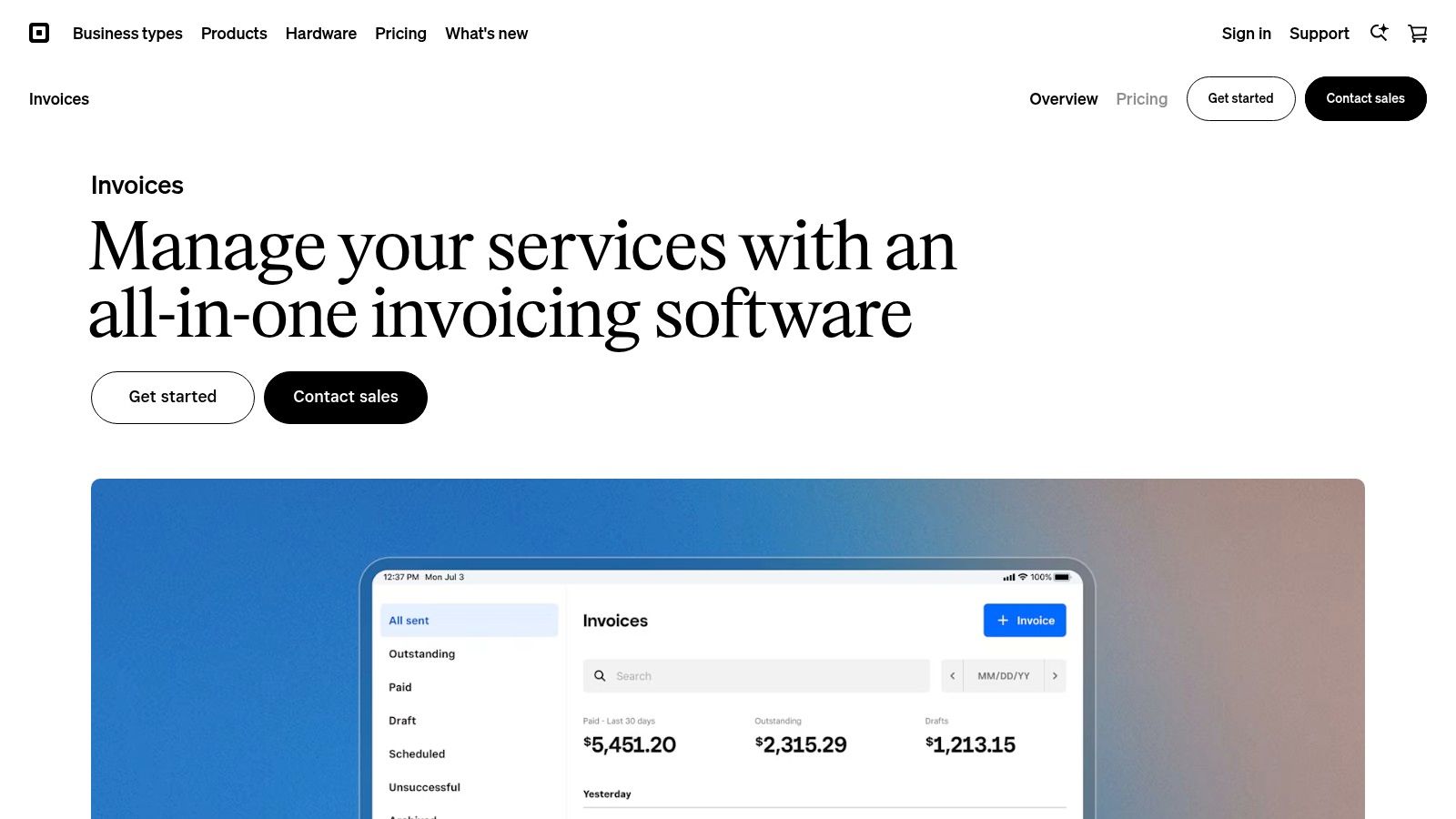
Square Invoices is a powerful, standalone solution perfect for contractors who need simple, effective invoicing without a monthly subscription. It excels at bridging the gap between online and in-person payments, making it one of the best invoicing software for contractors who operate in both environments. Its primary strength is its pay-as-you-go model, which eliminates fixed costs and provides peace of mind for those with fluctuating monthly income.
This platform is designed for speed and productivity. You can create and send professional invoices, request deposits to secure jobs, and set up recurring billing for retainer clients in just a few minutes. The system automatically sends payment reminders, a practical feature that saves you the hassle of chasing late payments and improves your cash flow. Imagine finishing a job and sending the invoice from your phone before you even leave the site—that’s the kind of time-saving efficiency Square offers.
Key Features & User Experience
The mobile app and web interface are exceptionally user-friendly, allowing you to manage your business from anywhere. It’s built to get you paid quickly.
- Best For: Contractors wanting a no-monthly-fee option with integrated payment processing.
- Pros: Pay-per-transaction pricing, seamless mobile experience, and fast payouts.
- Cons: Less feature-rich than full accounting suites; processing fees for options like Afterpay can be higher.
- Pricing: Free to send unlimited invoices; you only pay a processing fee when an invoice is paid online.
To solve the pain point of disorganized paperwork, integrating Square with a dedicated document tool is a smart move. An AI-powered system can automatically file your client agreements and project plans, keeping them neatly organized while Square flawlessly handles the payment side.
Website: https://squareup.com/invoices
4. PayPal Invoicing
PayPal Invoicing is a straightforward solution that stands out as one of the best invoicing software for contractors who prioritize payment flexibility and global reach. It’s perfect for those whose clients prefer paying with digital wallets like PayPal or Venmo, or who work with international customers. Its core strength is its simplicity and the trust associated with the PayPal brand, which can lead to faster payments and greater peace of mind.
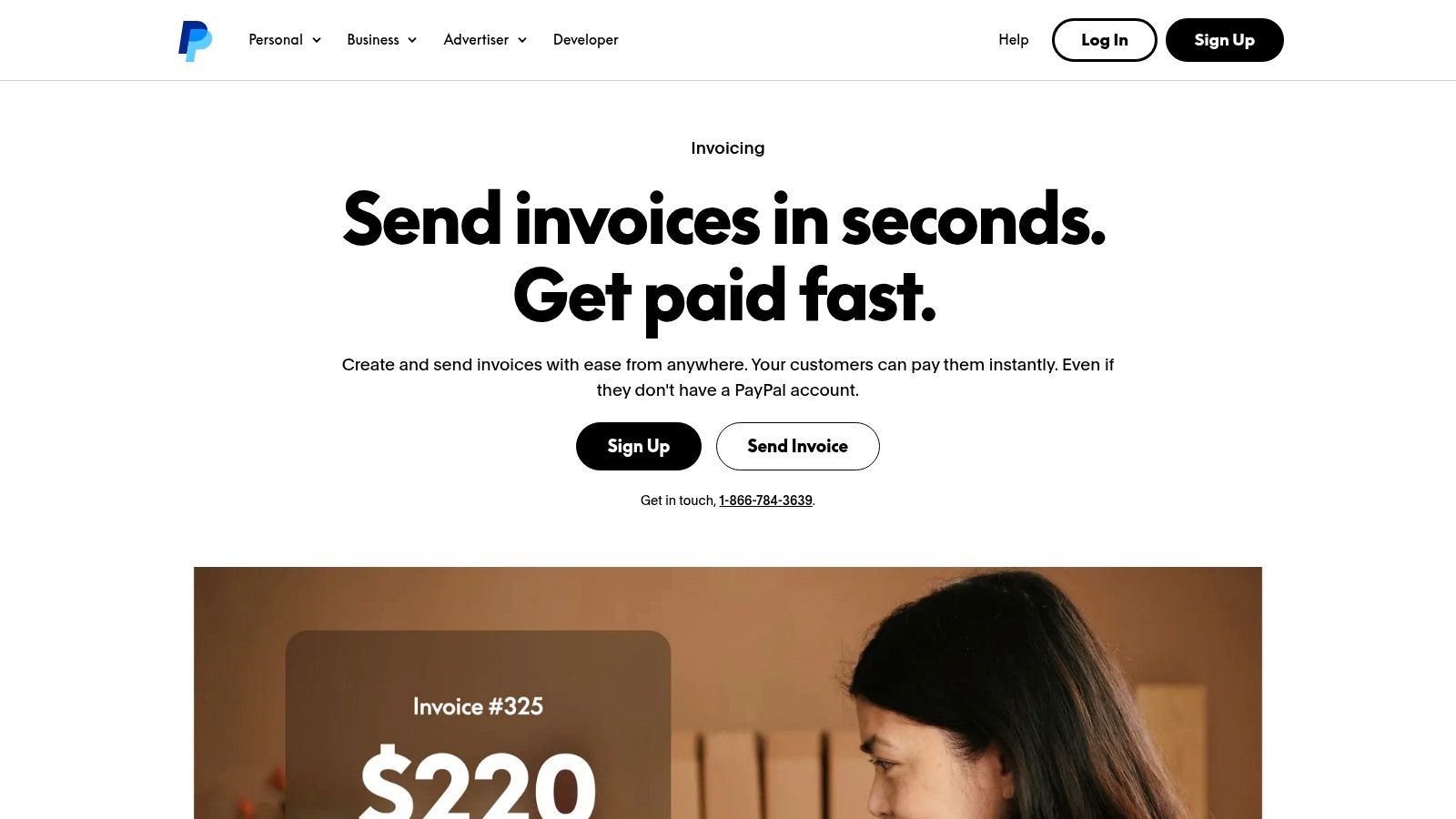
This platform streamlines the payment process from start to finish, boosting your productivity. You can quickly generate professional invoices, convert estimates, and track payment statuses directly from your dashboard or mobile app. The automated reminder feature is a key time-saver, reducing the need for manual follow-ups. This practical automation helps you maintain consistent cash flow with less effort, letting you focus on your next project instead of your inbox.
Key Features & User Experience
The interface is clean and incredibly easy to use, with virtually no learning curve for anyone familiar with PayPal.
- Best For: Contractors who need simple, fast invoicing with extensive digital and international payment options.
- Pros: Widely trusted by consumers, no monthly fees, and strong international payment support in over 200 markets.
- Cons: Transaction fees are higher than ACH transfers. It’s not a full accounting system, requiring separate bookkeeping.
- Pricing: Free to create and send invoices; standard PayPal transaction fees apply to payments received.
For contractors using PayPal for its payment convenience, solving the document organization problem is key. An AI-powered system can automatically file project contracts and receipts, keeping your financial records perfectly organized alongside your PayPal payment history.
Website: https://www.paypal.com/business/accept-payments/invoice
5. Zoho Invoice (Free)
Zoho Invoice stands out as the best invoicing software for contractors seeking a powerful, dedicated tool without a subscription fee. It’s a forever-free platform designed to handle the entire invoicing lifecycle, from creating detailed estimates to accepting payments, giving you a professional edge without impacting your budget. Its strength is providing premium invoicing features, like time tracking and a client portal, at no cost, which means instant productivity gains without the financial commitment.
This approach offers incredible value and peace of mind. You can send unlimited invoices and automated payment reminders, practical tools that improve cash flow and save administrative time. For example, setting up recurring invoices for a monthly maintenance client takes minutes and then runs on autopilot. While it’s not a full accounting suite, it integrates seamlessly with Zoho Books if you need to scale up later, making it a risk-free starting point for growing contracting businesses.
Key Features & User Experience
The interface is clean and user-friendly, allowing you to create and customize professional invoices in minutes. The mobile app is also robust for on-the-go billing.
- Best For: Contractors and freelancers who need a dedicated, feature-rich invoicing tool without a monthly subscription.
- Pros: Completely free for core invoicing, generous features like time tracking, and strong 24/5 customer support.
- Cons: It is not a full accounting package; you need Zoho Books for ledgers and compliance. Some advanced features are reserved for paid tiers.
- Pricing: The invoicing tool is free. Full accounting requires upgrading to Zoho Books, which has paid plans.
Website: https://www.zoho.com/invoice/
6. Wave Invoicing by Wave Financial
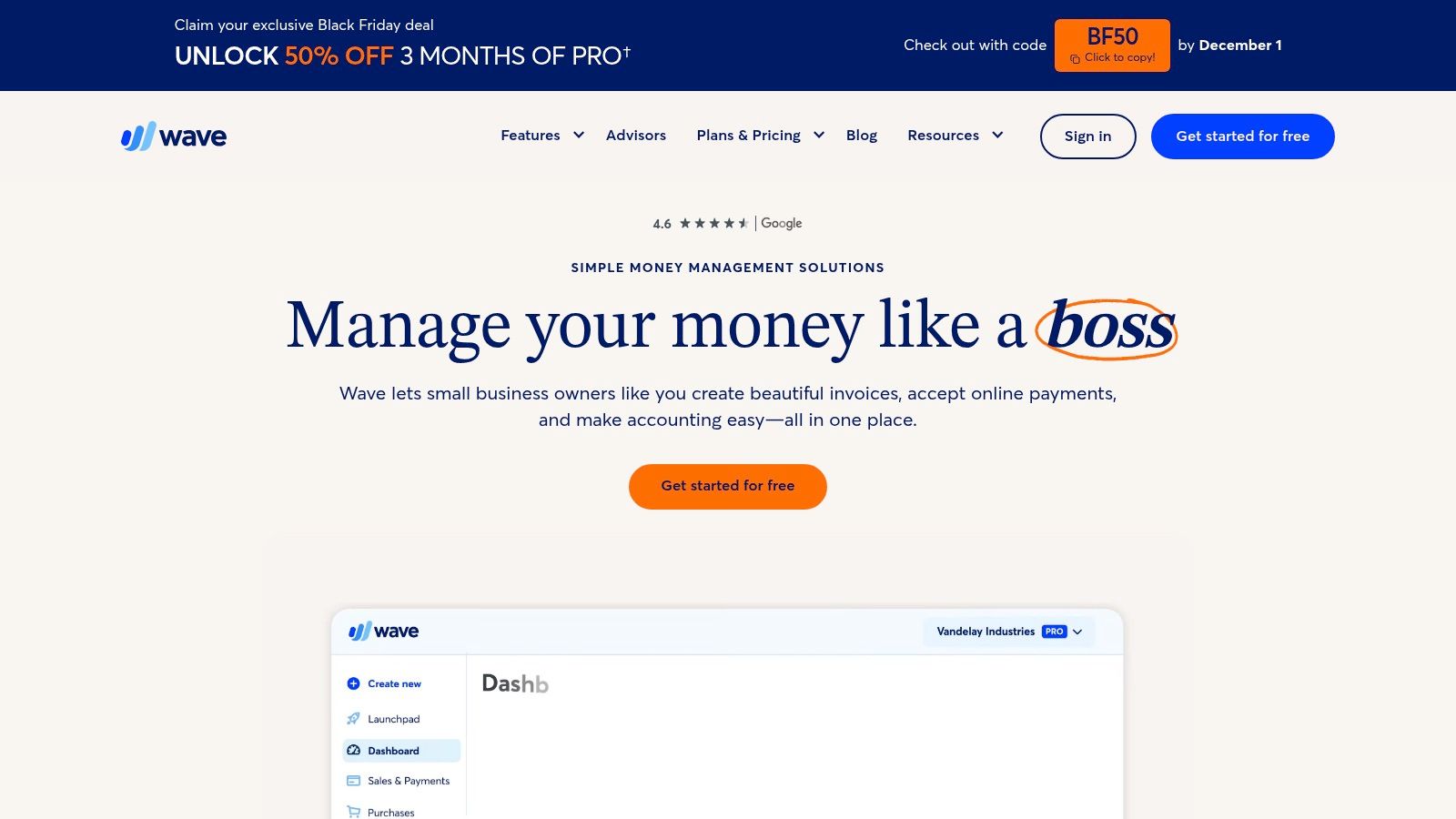
Wave Invoicing stands out as some of the best invoicing software for contractors who are sole proprietors or running very small teams. It offers a truly free, unlimited invoicing and accounting platform, making it an incredible starting point for those who need professional billing without the upfront cost. Its primary strength is its simplicity, allowing you to create and send invoices quickly, boosting your productivity without a steep learning curve.
This straightforward approach removes financial barriers and simplifies bookkeeping for cash-basis contractors, giving you peace of mind. You can send unlimited estimates and invoices, track payments, and manage customer information from a clean, intuitive dashboard or mobile app. For contractors focused purely on getting paid efficiently for services rendered, Wave provides the essential tools to manage income and expenses with minimal hassle, saving you time and money right from the start.
Key Features & User Experience
The user interface is clean and easy to navigate, making it simple to get started right away. The mobile app is particularly useful for sending invoices directly from a job site.
- Best For: Sole proprietors, freelancers, and micro-contractors who need free, professional invoicing.
- Pros: Genuinely free for unlimited invoicing, clean interface, and solid mobile app.
- Cons: Lacks advanced project management and job-costing features needed by larger teams.
- Pricing: The Starter plan is free for unlimited invoicing and basic bookkeeping. Optional payment processing has fees, and a Pro plan adds automations.
Pairing Wave’s straightforward financial tools with a dedicated document organizer can create a powerful, low-cost system. This solves the pain point of manual filing, ensuring your contracts and project files are neatly stored while Wave handles the billing.
Website: https://www.waveapps.com/
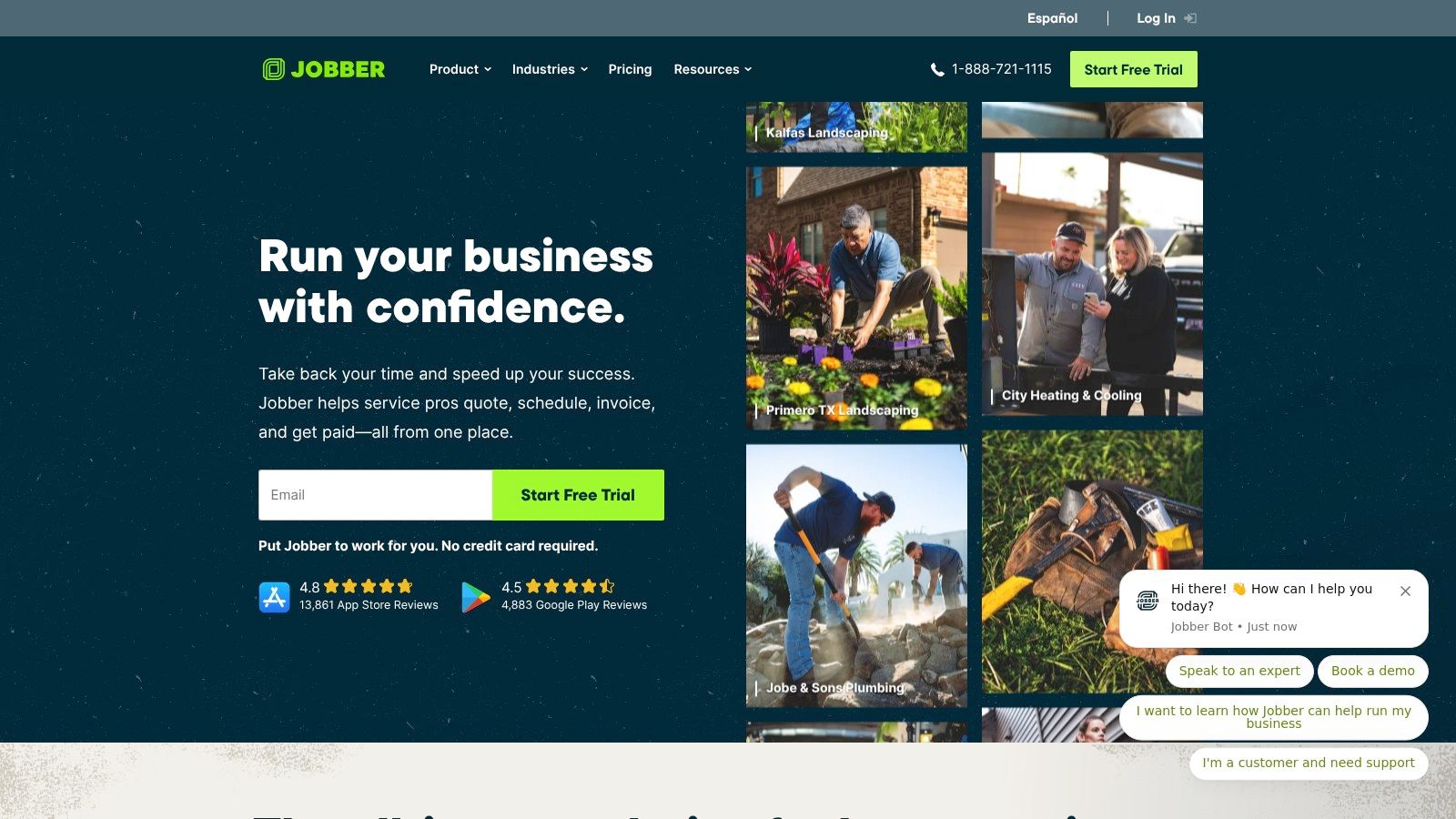
7. Jobber
Jobber is a comprehensive field service management platform that serves as one of the best invoicing software for contractors in home services like HVAC, plumbing, or landscaping. It’s designed to manage the entire workflow, from the initial client request to the final payment, giving you peace of mind that operations and billing are seamlessly connected. Its strength is in combining scheduling, dispatching, and invoicing into one fluid process for maximum productivity.
This all-in-one approach offers significant time savings. For instance, a technician can create a quote on-site, get client approval via text, schedule the job, track time, and then automatically generate an invoice once the work is complete—all from a single app. The platform also automates invoice follow-ups, a practical feature that improves cash flow and reduces the administrative headache of chasing payments.
Key Features & User Experience
The interface is intuitive for field teams, especially on mobile, and the client communication tools provide a professional touch that builds trust.
- Best For: Home service contractors who need to manage scheduling, dispatch, and invoicing together.
- Pros: Purpose-built for field service operations, great client communication tools, and scales well from solo operators to larger teams.
- Cons: Higher price point than simple invoicing-only apps. Advanced features are often reserved for more expensive tiers.
- Pricing: Plans start at $69/month, with higher-tier plans offering more automation and features.
To solve the challenge of scattered paperwork, integrating a tool like Jobber with an AI-powered document system can create a master record of all client interactions, from contracts to final invoices, without manual filing.
Website: https://www.getjobber.com/
8. Joist
Joist is a lightweight yet powerful app designed specifically for trade contractors who need to create estimates and invoices quickly in the field. It excels at simplifying the initial stages of a project, from quoting to getting paid, making it one of the best invoicing software for contractors who prioritize productivity and mobile functionality. Its standout ability is letting you build professional estimates with photos and line items directly on your phone, saving you from evening paperwork.
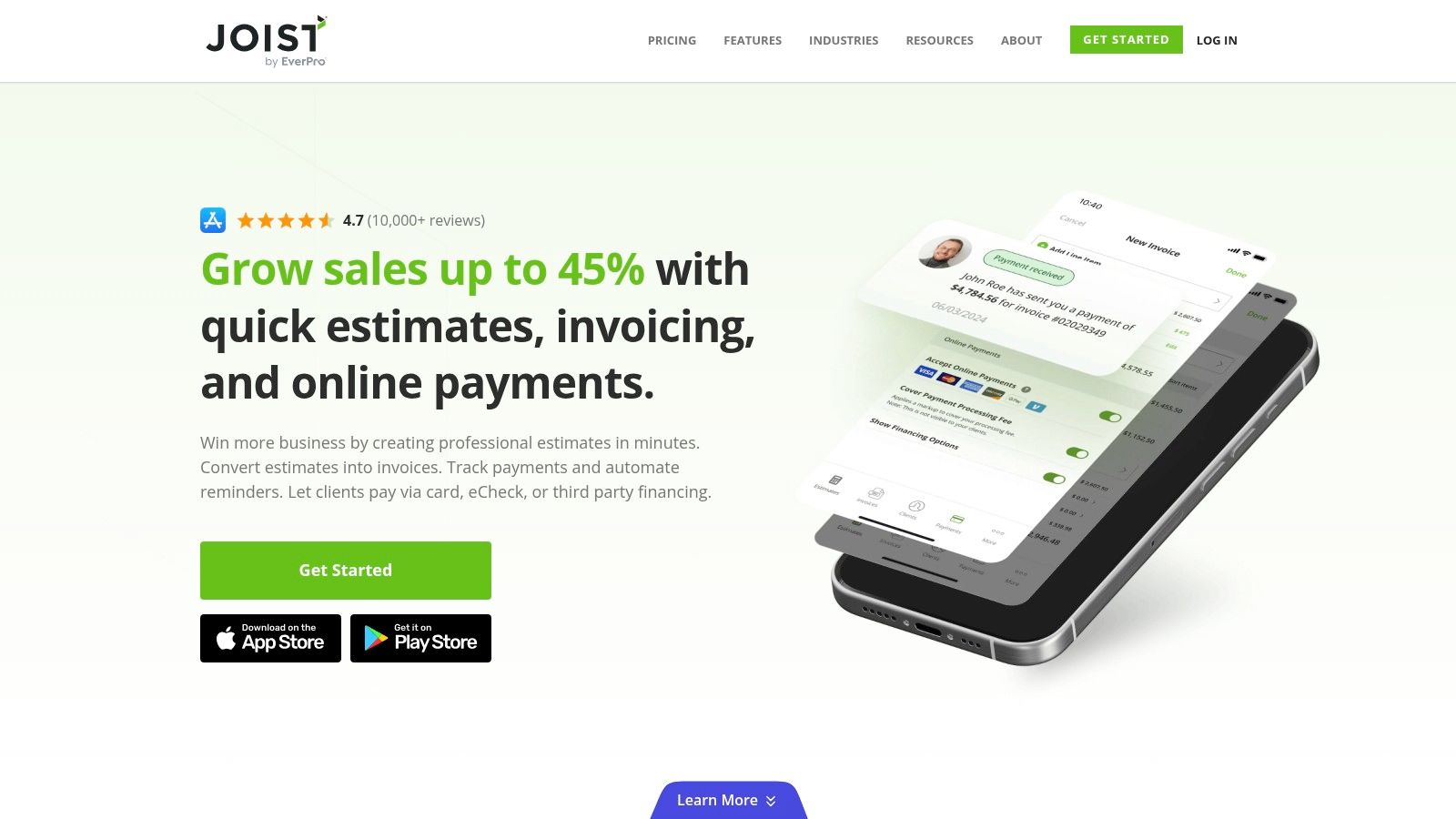
The workflow is streamlined for the trades: create an estimate, get client approval, and instantly convert it into an invoice for payment. This direct approach provides significant time savings, allowing you to focus on the job at hand. For small crews, Joist provides a straightforward way to manage client communication and financials, giving you the peace of mind that comes from having a simple, reliable system.
Key Features & User Experience
The mobile-first interface is exceptionally easy to learn, making it perfect for on-the-go use. Its simplicity is its greatest strength.
- Best For: Trade contractors (plumbers, electricians, builders) needing fast mobile estimates and invoices.
- Pros: Very contractor-centric and easy to use in the field, affordable plans, and a great estimates-to-invoice flow.
- Cons: Not a full accounting system. The free plan has significant limitations on the number of documents you can create.
- Pricing: A free starter plan is available. Paid plans like Pro and Pro+ offer unlimited documents and more features, starting around $14/month.
As you generate more invoices with Joist, keeping them organized becomes crucial. You can learn how to rename PDF invoices automatically to maintain clean records without manual effort, further boosting your productivity.
Website: https://www.joist.com/
9. Invoice2go (by BILL)
Invoice2go is a mobile-first invoicing solution designed for contractors who operate primarily from their phones or tablets. Its standout feature is simplicity, making it one of the best invoicing software for contractors who need to boost their productivity on the go. The platform is built for speed, allowing you to generate an estimate or invoice in minutes right after finishing a job, which means less administrative work at the end of the day.
This focus on mobile efficiency provides a significant time-saving advantage. You can track time on-site, add expenses as they occur, and send the final bill before even leaving the client’s location. Its client portal allows customers to view, approve, and pay invoices online, streamlining the payment process and helping you get paid faster. This seamless experience provides peace of mind, knowing your billing is handled professionally and promptly.
Key Features & User Experience
The app is incredibly intuitive, with a clean interface that requires minimal setup to get started. Its tiered structure is ideal for businesses that are just starting out and plan to scale.
- Best For: Solo contractors and small service businesses who need a simple, fast, and mobile-centric invoicing solution.
- Pros: Fast and clean mobile invoicing experience, tiered processing rates that improve on higher plans, and integrates with popular accounting platforms.
- Cons: Lower tiers cap the number of invoices you can send, and more advanced features like recurring invoices are reserved for the premium plan.
- Pricing: Plans typically start around $5.99/month for the Starter plan, with Premium and Unlimited tiers offering more features and no invoice limits.
Website: https://invoice.2go.com/
10. Buildertrend
Buildertrend is a comprehensive construction management platform designed for builders and general contractors. It shines as one of the best invoicing software for contractors who need to unify deep project management with financial controls, providing peace of mind through a single source of truth. Its primary strength is integrating invoicing directly with change orders, job costing, and client communication, saving countless hours of administrative work.
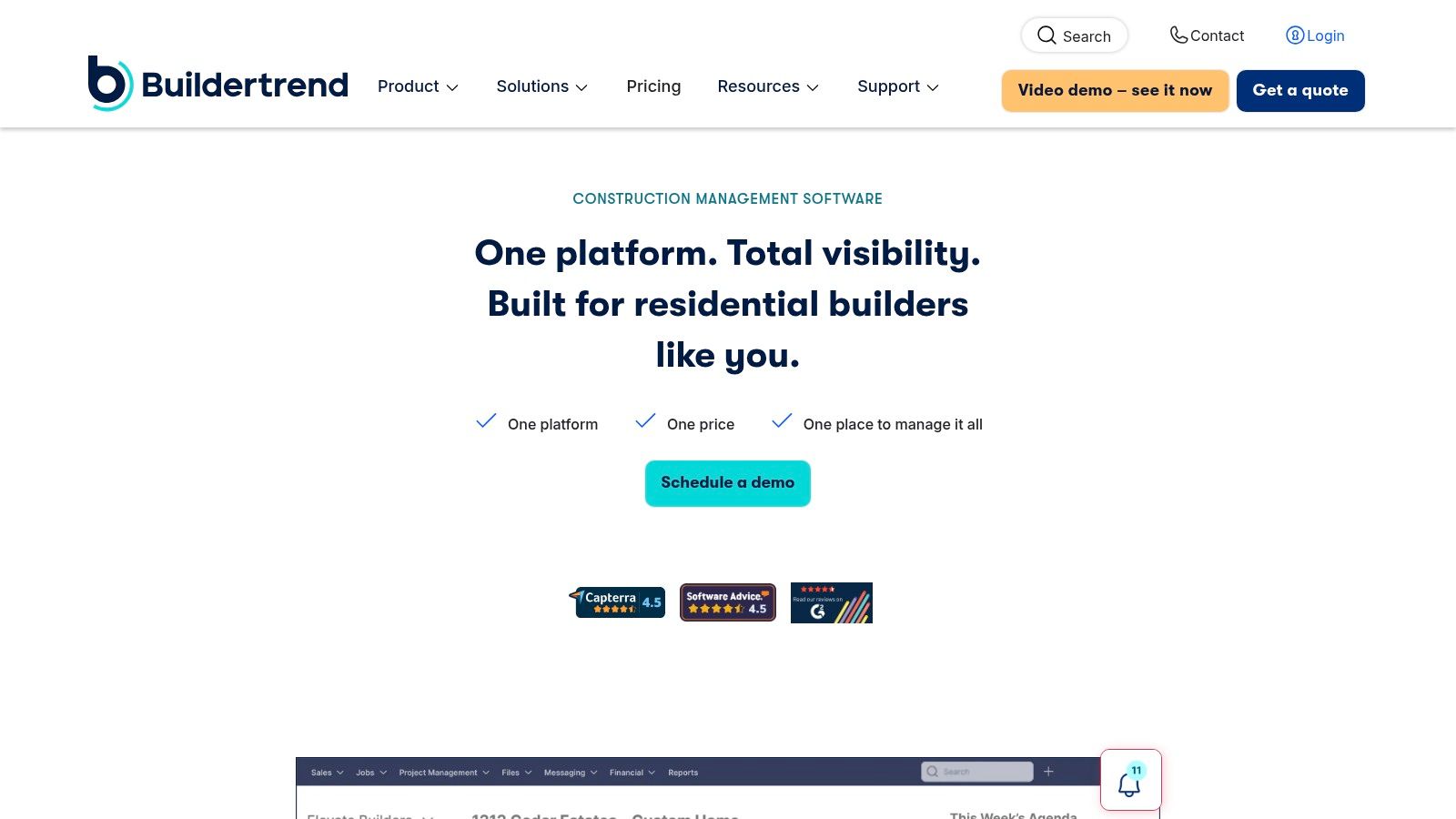
This all-in-one approach delivers huge productivity gains. You can generate invoices from approved estimates or change orders, ensuring accuracy and eliminating manual data entry. For example, when a client approves a change order online, it can automatically be added to the next invoice. Features like progress billing are purpose-built for the construction industry, helping you maintain healthy cash flow on long-term projects while giving clients full transparency through a dedicated portal.
Key Features & User Experience
The interface is robust and feature-rich, requiring some onboarding time to master. However, its power to connect field operations with back-office financials is unmatched for its target audience.
- Best For: Residential builders and general contractors managing complex, multi-stage projects.
- Pros: Purpose-built for construction; unifies project and financial management and provides a strong client portal.
- Cons: Overkill for smaller jobs or simple invoicing needs. The subscription cost is higher than basic invoicing tools.
- Pricing: Pricing is customized based on business needs and typically provided after a demo.
For contractors managing high volumes of financial documents, understanding how systems like Buildertrend can be part of a larger, automated workflow is crucial. You can learn more about automated invoice processing to further streamline your operations.
Website: https://buildertrend.com/
11. HoneyBook
HoneyBook is a clientflow management platform designed for independent contractors who want to create a seamless, branded client experience from proposal to final payment. It stands out by combining proposals, contracts, scheduling, and invoicing into a single, automated workflow. This all-in-one approach gives contractors peace of mind by consolidating client interactions and administrative tasks into one system, saving significant time.
Instead of juggling multiple tools, you can send an interactive file that lets clients review a proposal, sign the contract, and pay the initial invoice in one go. This is a practical example of how automation boosts productivity. HoneyBook’s strength is its automation, which handles payment reminders and follow-ups, ensuring you get paid faster with less manual effort. It is an excellent invoicing software for contractors who prioritize a professional, high-touch client journey.

Key Features & User Experience
The interface is clean and user-friendly, with a focus on streamlining the entire client lifecycle. Its automations are easy to set up, reducing manual work significantly.
- Best For: Independent contractors, creatives, and small firms focused on a polished client experience.
- Pros: Strong templates for a branded client journey, great automations, and an all-in-one clientflow system.
- Cons: Not a full accounting suite, so some functions require external tools. Pricing is set to increase in early 2025.
- Pricing: Plans start at $16/month (billed annually), with more features like QuickBooks Online integration on higher tiers.
Website: https://www.honeybook.com/
12. Bonsai
Bonsai is an all-in-one suite designed for freelancers and small contractors who need to manage their entire client workflow, not just invoicing. It stands out by integrating proposals, contracts, project management, and time tracking directly with its invoicing functions. This creates a seamless transition from winning a job to getting paid, saving significant administrative time and increasing overall productivity.
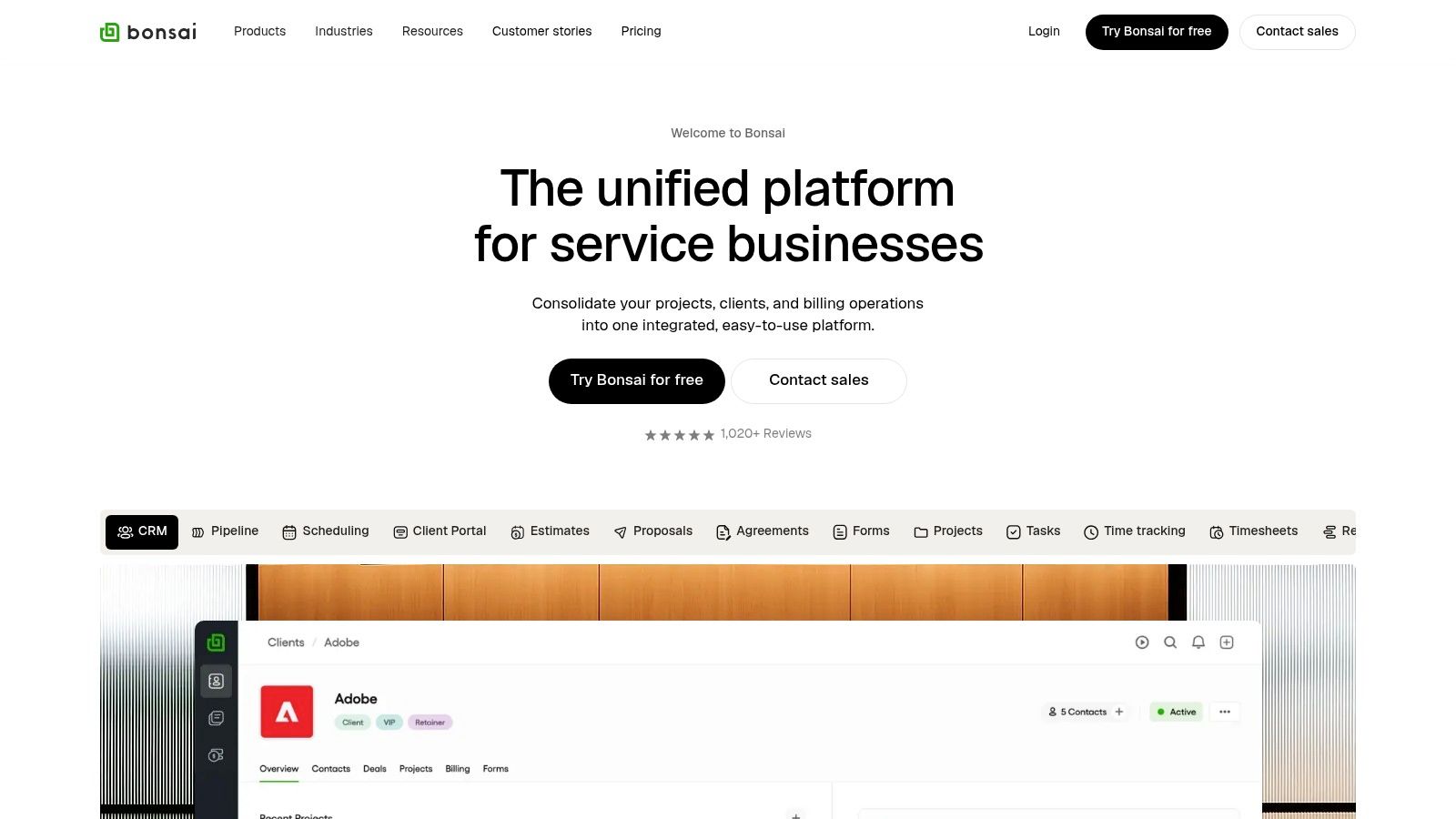
The platform is excellent for contractors who bill based on time and materials. For example, its time tracker automatically populates invoices, a practical feature that ensures no billable minute is lost. Its client portal and automated payment reminders provide a professional experience that helps you get paid faster. For contractors juggling multiple clients, Bonsai offers a unified dashboard to see the status of every project and payment at a glance, delivering true peace of mind.
Key Features & User Experience
Bonsai’s interface is clean and intuitive, making it easy to get started without a steep learning curve. The automation features are particularly strong.
- Best For: Independent contractors and consultants who need an end-to-end client management and invoicing system.
- Pros: Robust automation from proposal to payment, clean UI, and competitive pricing for solo users.
- Cons: Per-seat pricing can become costly for teams, and it lacks specialized features for larger construction jobs.
- Pricing: Plans start around $25/month, with higher tiers offering more advanced features and collaboration tools.
Website: https://www.hellobonsai.com/
Top 12 Contractor Invoicing Software Comparison
| Product | Key features ✨ | UX & quality ★ | Price / Value 💰 | Target audience 👥 | Notable strength 🏆 |
|---|---|---|---|---|---|
| Intuit QuickBooks Online | Progress invoicing, job costing, payments, payroll integration | ★★★★ Robust reporting; moderate complexity | 💰 Mid–High; costs rise with scaling & processing fees | 👥 Contractors needing tight bookkeeping & payroll | 🏆 All‑in‑one workflow & large app/accountant ecosystem |
| FreshBooks | Invoices, estimates, retainers, time & expense tracking, client portal | ★★★★★ Very intuitive; strong mobile apps | 💰 Small‑team pricing; add‑ons can increase cost | 👥 Solo contractors & small teams | 🏆 Ease of use and helpful automations |
| Square Invoices | Unlimited invoices, deposits/partial payments, POS & payments tie‑in | ★★★★ Easy setup; strong mobile experience | 💰 No monthly fee; pay processing fees per transaction | 👥 Contractors who accept in‑person & fast payouts | 🏆 Fast payouts and seamless POS integration |
| PayPal Invoicing | Estimates→invoices, multi‑wallets, multi‑currency, global reach | ★★★★ Familiar UI; quick setup | 💰 No monthly fee; higher transaction fees vs ACH | 👥 Clients preferring digital wallets & international clients | 🏆 Wide payment coverage and global reach |
| Zoho Invoice (Free) | Unlimited invoices/recurring, time tracking, client portal (free) | ★★★★ Feature‑rich for free; solid templates | 💰 Free core invoicing; upgrade to Zoho Books for ledgers | 👥 Cost‑conscious contractors & startups | 🏆 Forever‑free with generous features |
| Wave Invoicing | Unlimited invoices/estimates, mobile invoicing, optional payments | ★★★★ Clean, straightforward interface | 💰 Free Starter; paid payment processing & Pro features | 👥 Sole proprietors & micro businesses | 🏆 Simple free invoicing + basic bookkeeping |
| Jobber | Quotes→invoices, scheduling/dispatch, job costing, SMS comms | ★★★★ Mobile & ops‑focused; scales well | 💰 Mid; higher tiers for advanced features | 👥 Field‑service contractors (HVAC, landscaping) | 🏆 Operations + billing tailored to field teams |
| Joist | Photo estimates, invoices, client tracking, payments | ★★★★ Very fast setup for field use | 💰 Affordable; Pro+ offers unlimited documents | 👥 Trade contractors & small crews | 🏆 Estimates‑to‑invoice flow with photo support |
| Invoice2go (by BILL) | Mobile invoicing, recurring (Premium), QB/Xero integrations | ★★★★ Clean mobile experience | 💰 Tiered plans; invoice limits on lower tiers | 👥 Occasional billers planning to scale | 🏆 Fast mobile invoicing + accounting integrations |
| Buildertrend | Invoices, draws, change orders, job costing, budgets, QB sync | ★★★★ Powerful but complex; onboarding required | 💰 High; subscription priced for larger projects | 👥 Builders & general contractors needing project controls | 🏆 Deep project + financial management for construction |
| HoneyBook | Proposals, contracts (e‑sign), scheduling, invoicing, automations | ★★★★ Branded client workflows; strong automations | 💰 Mid; recent price increases noted | 👥 Creatives, independent contractors & small firms | 🏆 Branded client experience with proposals + contracts |
| Bonsai | Invoices, retainers/subscriptions, proposals, contracts, time tracking | ★★★★ Clean UI; fast deployment | 💰 Competitive per‑user; can add up with seats | 👥 Contractors & consultants wanting an all‑in‑one | 🏆 Pipeline + invoicing + contracts in one platform |
Final Thoughts
Navigating the landscape of invoicing software can feel overwhelming, but the right tool is a powerful asset for any contractor. As we’ve explored, the best invoicing software for contractors isn’t a one-size-fits-all solution. Instead, it’s about finding the platform that aligns perfectly with your specific business needs, workflow, and budget. From the all-in-one accounting power of QuickBooks Online to the trade-specific features of Jobber and Buildertrend, each option offers a distinct path toward simplifying your financial admin.
The core takeaway is this: manual invoicing is a drain on your productivity and peace of mind. By automating this process, you reclaim hours that can be spent on billable work, client relationships, or simply enjoying a better work-life balance. You get paid faster, maintain a more professional image, and gain a clearer, real-time view of your cash flow. This isn’t just about sending a PDF; it’s about building a more efficient and profitable business.
How to Choose Your Perfect Invoicing Tool
To make your final decision, revisit your biggest pain points. Are you spending too much time tracking hours on different projects? A tool with robust time-tracking like FreshBooks or Bonsai might be your best bet. Do you need to manage complex, multi-stage projects with detailed estimates? Look toward industry-specific solutions like Joist or Buildertrend.
Consider these final checkpoints before you commit:
- Scalability: Will this software grow with your business? A free tool like Wave is great for starting out, but consider if you’ll need more advanced features down the road.
- Ease of Use: How much time are you willing to invest in learning a new system? If you need to hit the ground running, an intuitive platform like Square Invoices or Invoice2go is ideal.
- Integration: Does the software play well with the other tools you rely on? Think about your bank, payment gateways, and project management apps.
- Client Experience: How easy is it for your clients to view, approve, and pay your invoices? A smooth process for them means faster payments for you.
Your Next Step: Take Action
Your journey to better invoicing doesn’t end with choosing a platform. The next step is implementation. Most of the tools we’ve covered offer free trials. Use them. Create a test project, send a sample invoice to yourself, and explore the mobile app. This hands-on experience is the best way to determine if a tool truly fits your day-to-day operations.
By taking this crucial step, you’re not just buying software. You are investing in peace of mind, professional growth, and a more streamlined, successful contracting business. The right tool will handle the paperwork, so you can focus on what you do best: delivering exceptional work.
Once your invoicing is streamlined, the next step is managing the related documents like contracts, receipts, and project files. Fileo uses AI to automatically organize all your business documents, making it the perfect partner for your new invoicing software. Stop searching through folders and let Fileo handle the paperwork for you.